Xiaomi SU7 Software Update Refines Cabin Response and Smartphone Sync
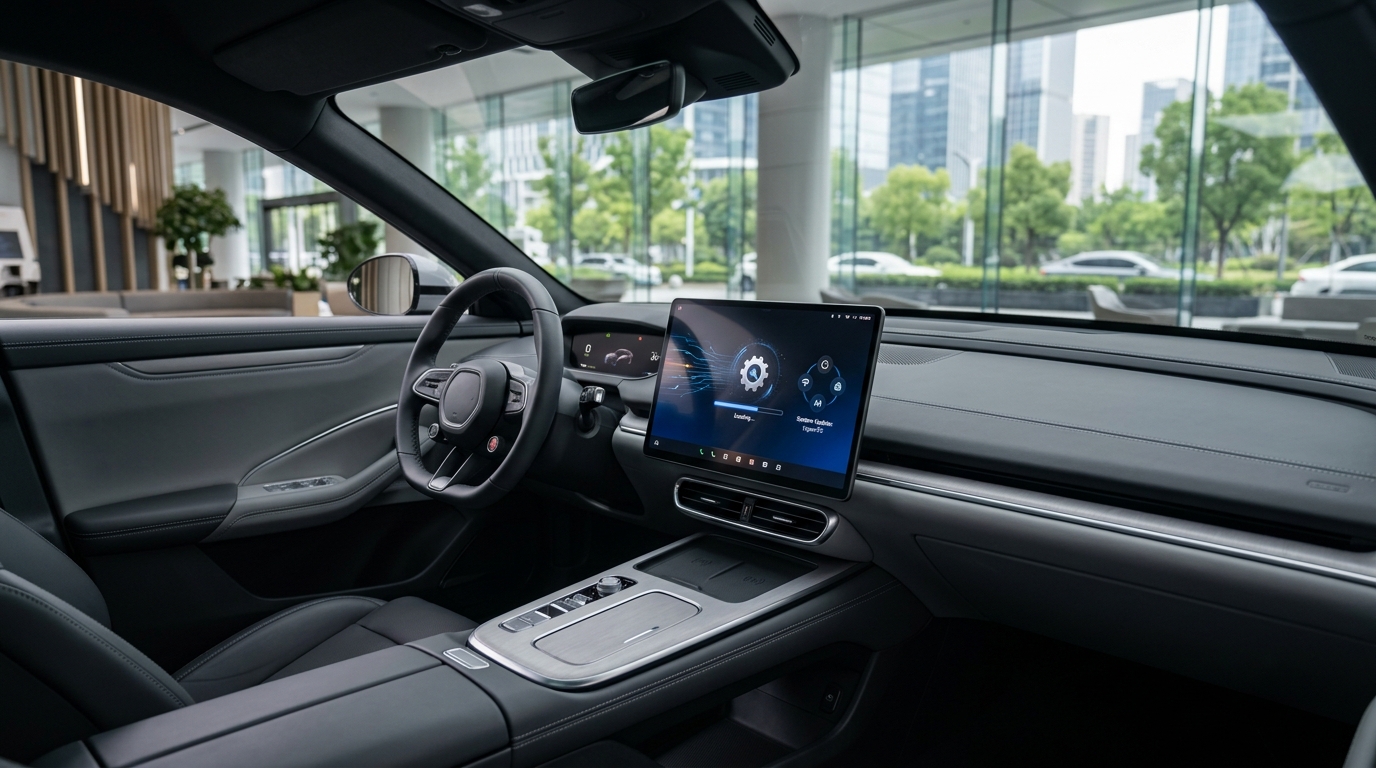
Drivers of the Xiaomi SU7 are seeing improved cabin responsiveness following the latest rollout of HyperOS optimizations. As the vehicle’s software ecosystem continues to mature, this update focuses specifically on reducing input latency for the central infotainment touchscreen and streamlining the connection process for mobile devices.
For owners, these refinements address common feedback regarding the speed of switching between navigation, media, and vehicle control menus. While vehicle hardware remains consistent, the software-side adjustments aim to provide a more fluid experience that aligns with the performance expectations of the electric sedan segment.
Refining the Digital Cockpit
The primary benefit of this update is the optimization of the HyperOS task scheduling. By reallocating processing resources during high-load scenarios—such as running multiple apps simultaneously—the system is designed to minimize frame drops and stuttering. This update is particularly noticeable during quick transitions between the advanced driver-assistance system (ADAS) visualization and third-party media apps.
Additionally, the integration layer for smartphone mirroring has been tuned to establish a handshake with supported devices more reliably. Reducing the time it takes for a phone to sync upon entry allows for a more immediate transition from a driver’s personal device to the car’s native interface.
What Owners Should Monitor
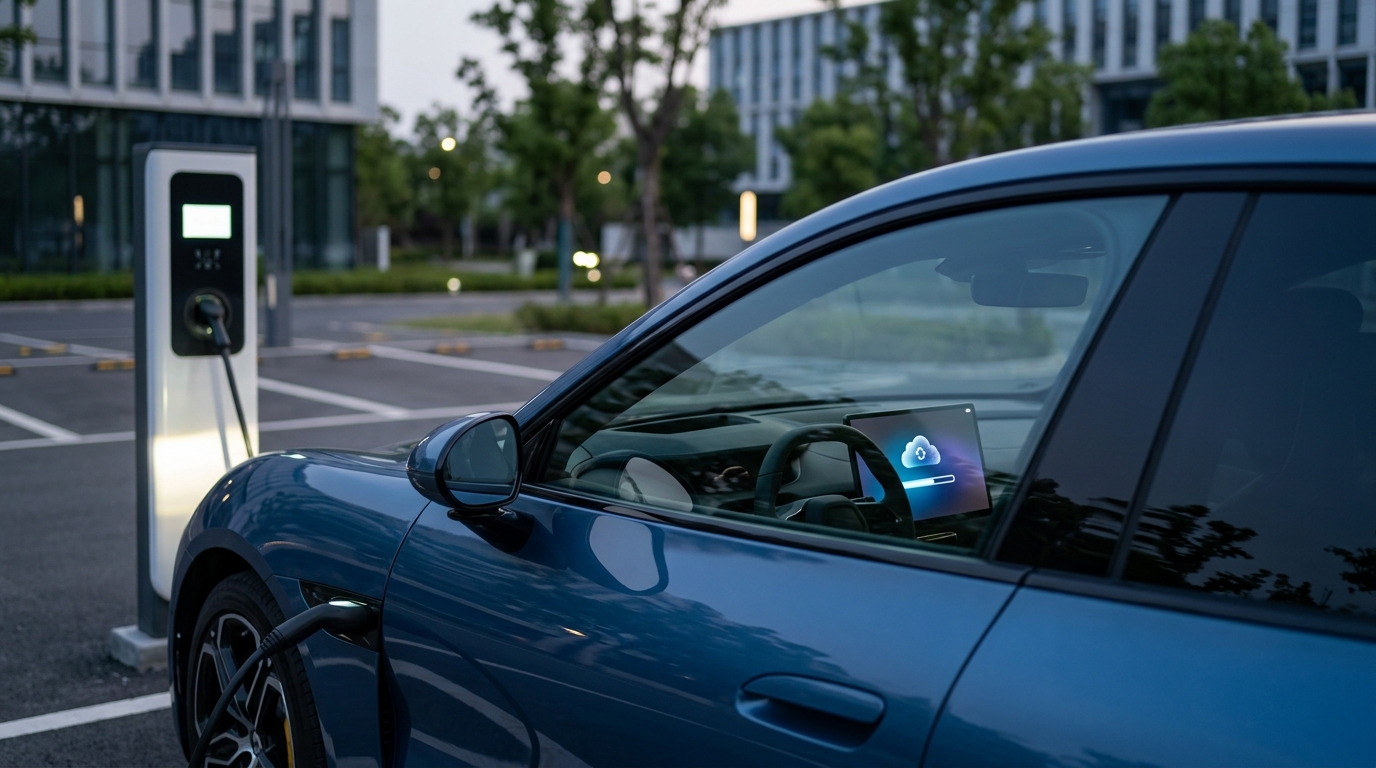
Software updates are delivered via over-the-air (OTA) protocols, but the installation process does require the vehicle to be in a parked state with sufficient battery levels. Owners should check the vehicle’s notification center for the update prompt and ensure a stable connection if the car is parked in a garage or area with limited signal.
| Focus Area | Expected Improvement |
|---|---|
| Touchscreen UI | Reduced input lag and smoother menu transitions |
| Smartphone Sync | Faster device recognition and connection stability |
| Background Tasks | Optimized resource usage for multi-app environments |
Practical Ownership Tips
To ensure you receive these updates promptly, keep your vehicle’s software settings toggled to allow automatic downloads. If you notice persistent issues after an update, performing a soft reset of the infotainment system—often available through the settings menu—can resolve minor cache-related bugs. Always verify your current firmware version in the vehicle information screen before contacting service support for troubleshooting.
Editorial Disclaimer
This article is provided for educational and informational purposes only. Details can change over time, so readers should verify important information with official sources, qualified professionals, manufacturers, publishers, or relevant authorities before making decisions.