How Xiaomi Manages Over-the-Air Software Updates for Its EV Fleet
For owners of the Xiaomi SU7 and other models powered by the HyperOS ecosystem, the vehicle is no longer a static piece of hardware. Instead, it functions as a rolling smart device that receives regular refinements through Over-the-Air (OTA) updates. Understanding how these updates reach your vehicle—and what they mean for daily use—is essential for maintaining the performance and security of your EV.
Unlike traditional automotive service visits that require a trip to the dealership for every minor adjustment, Xiaomi leverages its consumer electronics expertise to push improvements directly to the car. These updates typically fall into three categories: performance tuning, infotainment refinements, and safety protocol enhancements.
The Mechanics of HyperOS Delivery
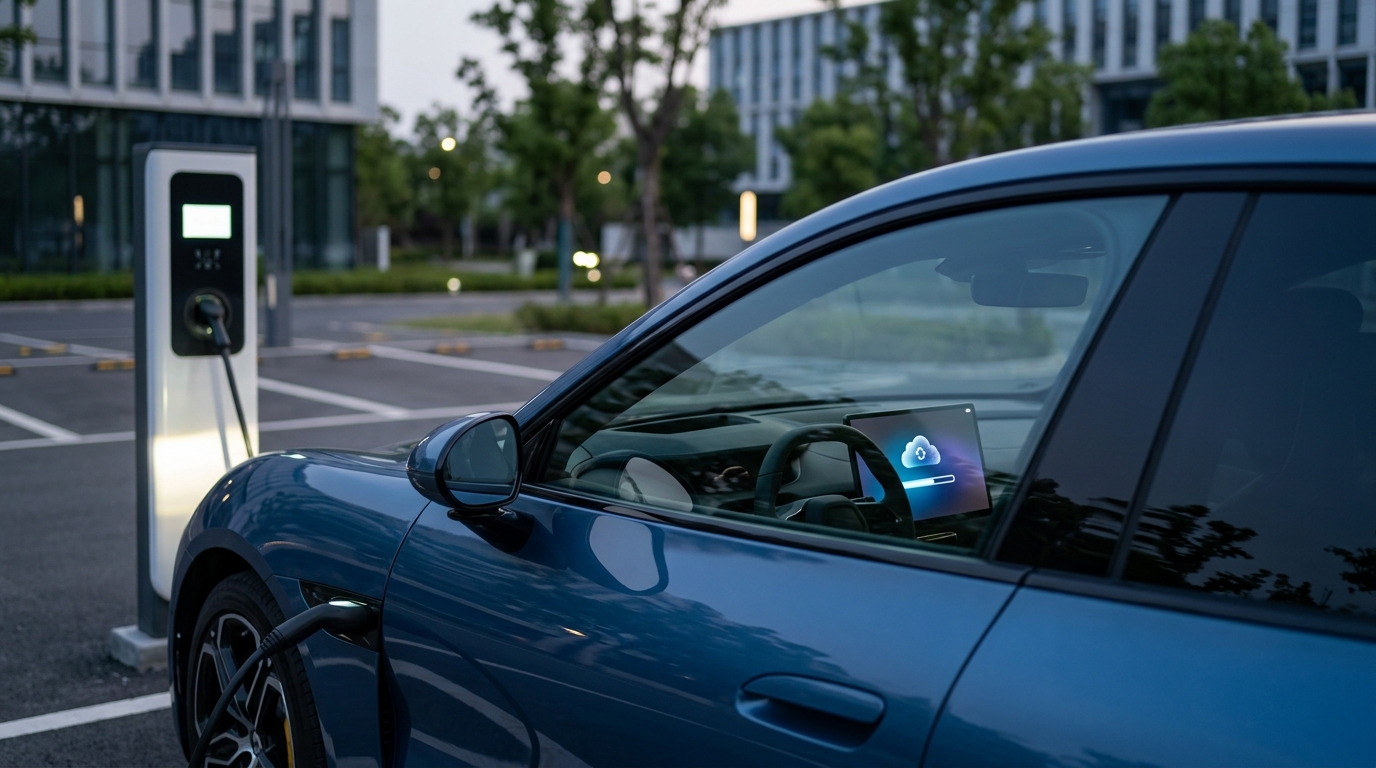
Xiaomi utilizes a secure, cloud-based architecture to deliver software packages to its fleet. When an update becomes available, the vehicle’s onboard gateway downloads the encrypted file while parked or, in some cases, while driving. The actual installation process, however, requires the vehicle to be stationary, locked, and often at a sufficient state of charge.
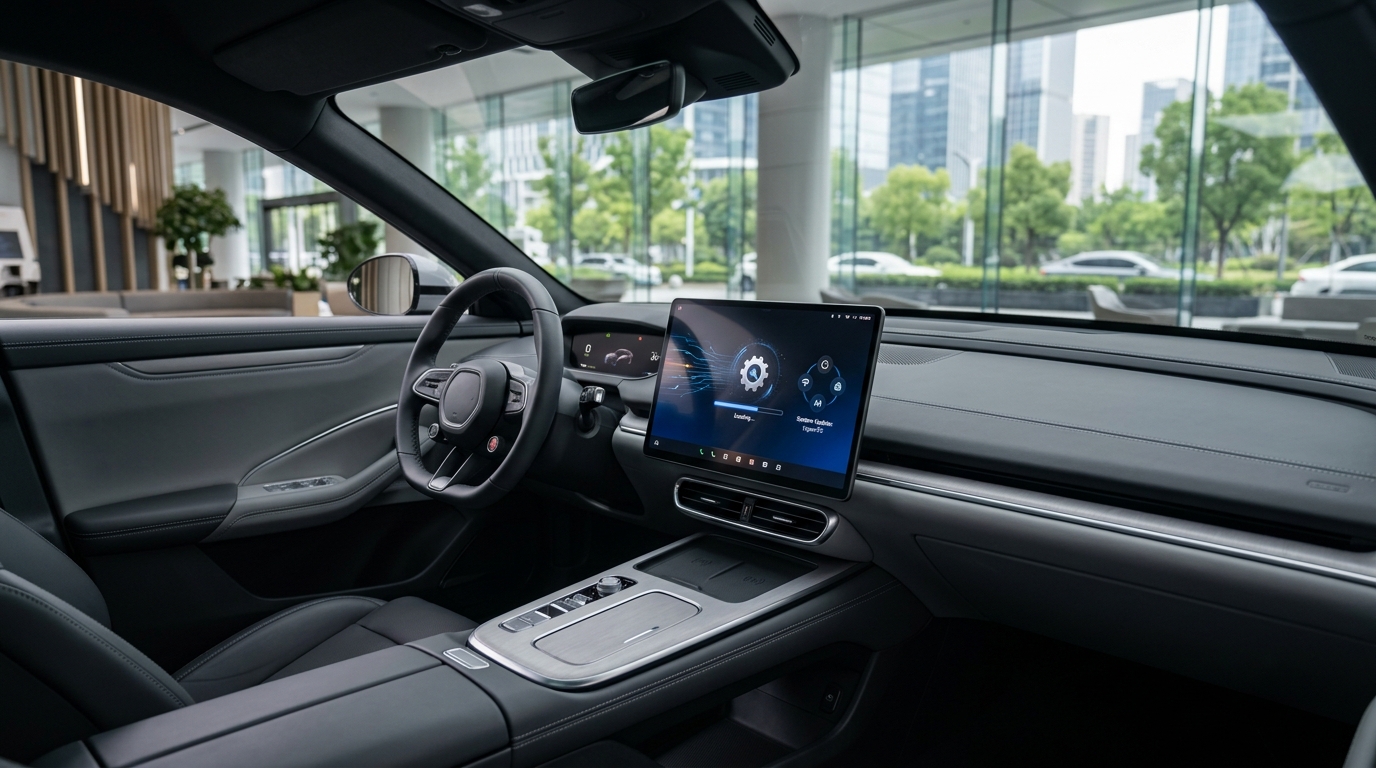
Owners receive notifications through the mobile app or the vehicle’s central display. It is critical to ensure the car is not in a high-demand state during the final install phase, as interrupting the process can lead to software instability or the need for a manual reset at a service center.
What Updates Typically Cover
Because the SU7 is built on a high-compute architecture, updates are rarely limited to simple screen tweaks. Common areas affected include:
- Autonomous Driving Logic: Periodic adjustments to sensor fusion and reaction timing based on real-world data collection.
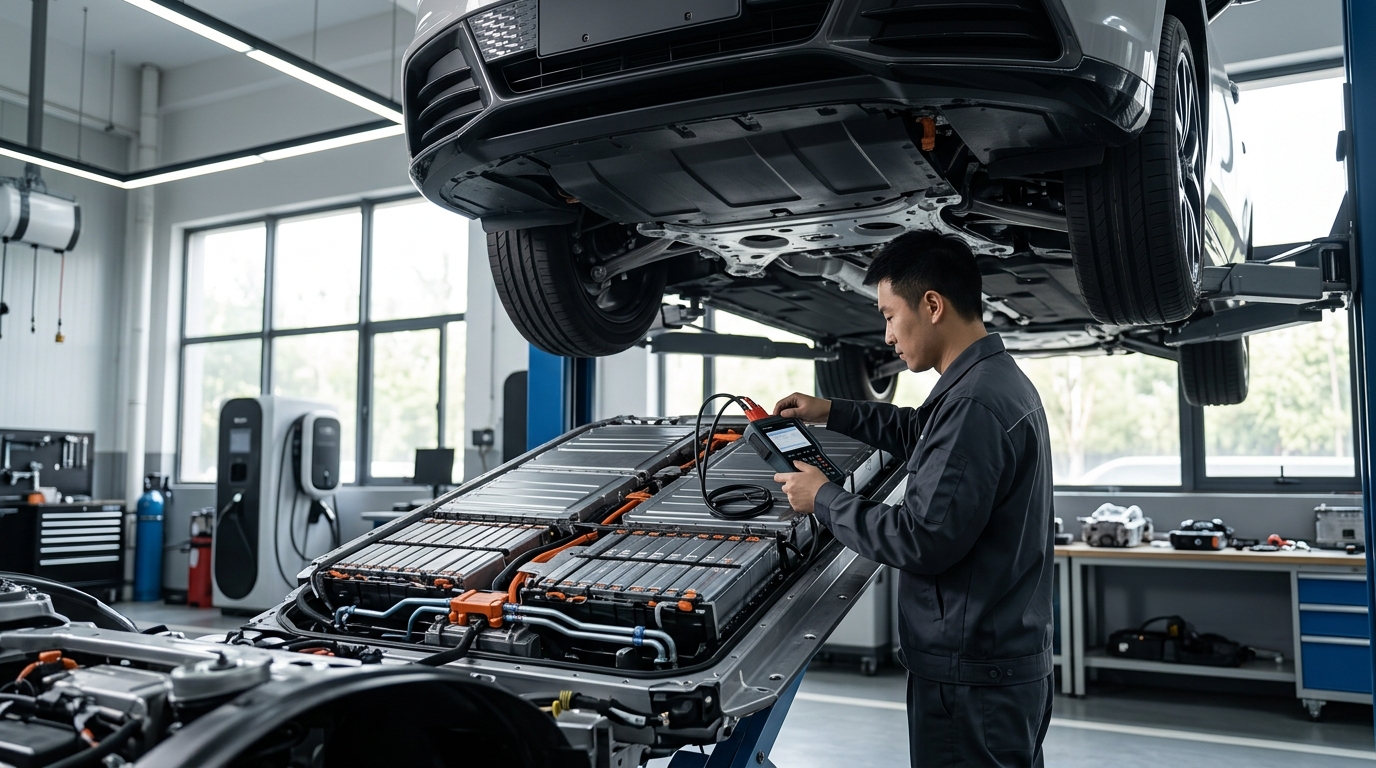
- Battery Management: Optimizations for thermal regulation during charging sessions, which can improve long-term battery health.
- Connectivity: Stability improvements for phone-as-a-key features and inter-device communication within the HyperOS ecosystem.
- Braking Calibration: Software-side adjustments to regenerative braking curves to improve pedal feel and energy recovery efficiency.
Ownership Reality: Managing the Update Cycle
While the convenience of OTA updates is high, owners should treat them with the same caution they would give a smartphone or laptop. Before initiating a significant software update, ensure your vehicle is parked in a safe location with a stable cellular or Wi-Fi connection. Avoid initiating updates if you have a tight commute scheduled within the next hour, as some updates may temporarily disable vehicle functions.
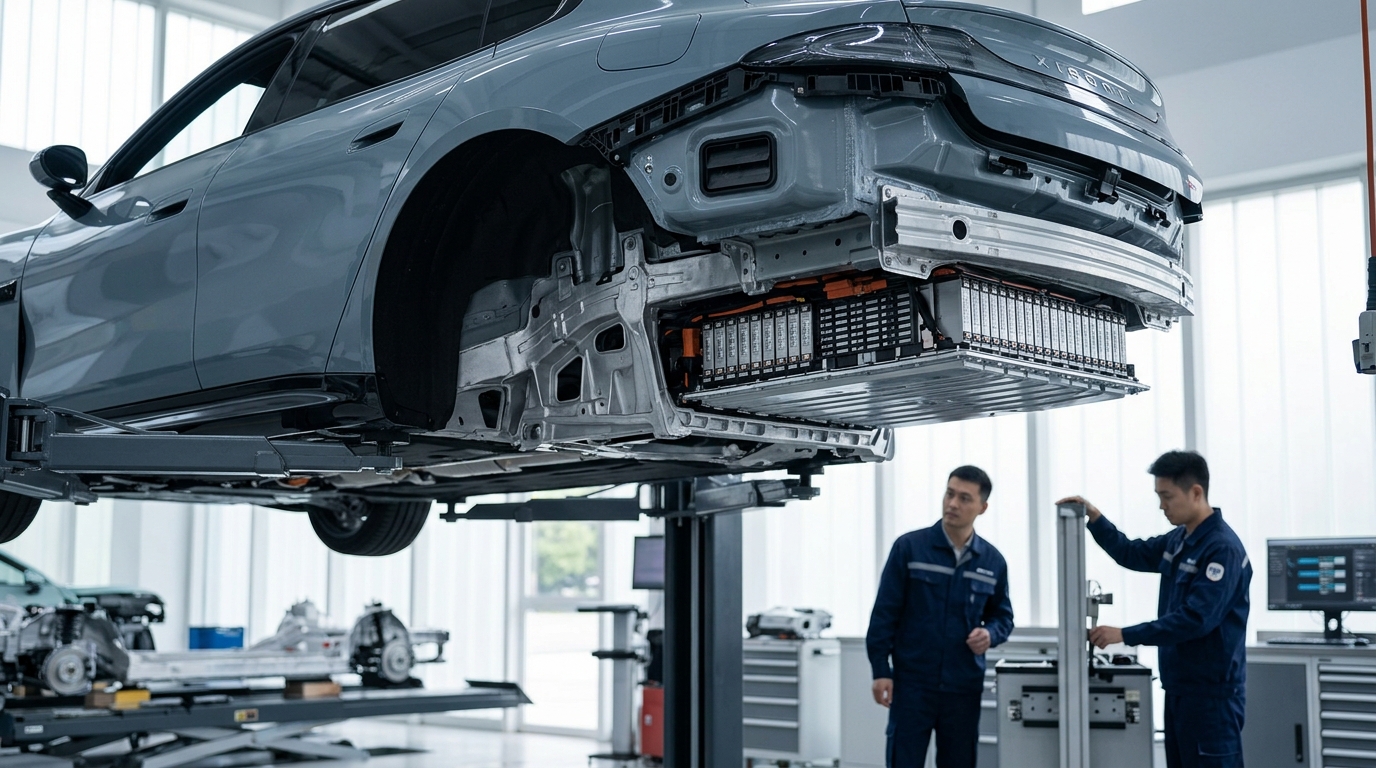
If you encounter a failed update notification, the most effective first step is to perform a hard reboot of the infotainment system through the settings menu. If the error persists, do not attempt to force a re-install; contact your local service support, as a corrupt update file may require a technician to flash the firmware manually.
Editorial Disclaimer
This article is provided for educational and informational purposes only. Details can change over time, so readers should verify important information with official sources, qualified professionals, manufacturers, publishers, or relevant authorities before making decisions.